The Ultimate Guide to Managing Multiple YouTube Channels Without Burning Out
Every ambitious creator eventually hits a crossroads: You have mastered your primary channel, but you have new ideas that don’t quite fit your current audience. The solution? Starting a second (or third) YouTube channel.
Whether you are juggling a regional music channel, a fast-paced kids’ shorts channel, and a serene devotional channel all at once, managing multiple YouTube accounts can quickly turn into a chaotic full-time job. However, with the right workflow, you can run multiple successful channels without facing creator burnout. Here is the ultimate guide to managing your YouTube empire effectively.
1. Why Separate Channels? (The Algorithm Demands It)
The biggest mistake creators make is uploading wildly different content to the same channel. The YouTube algorithm thrives on predictability.
If a viewer subscribes to your channel for soulful poetry or shayari, they might skip a video about a new unplugged music cover, and they definitely won’t click on an animated story for kids. When subscribers ignore your new uploads, your Click-Through Rate (CTR) drops, and YouTube stops pushing your videos.
The Rule: Keep distinct niches on distinct channels. It trains the algorithm to find the exact right audience for each specific type of content.
2. The Secret to Sanity: Batch Production
You cannot wake up every day and decide which channel to create a video for. You will exhaust yourself. The secret is Batching.
Instead of working chronologically, work by category:
- Monday & Tuesday (Channel A): Dedicate these days purely to recording your music or vocal tracks.
- Wednesday (Channel B): Write scripts and record voiceovers for your kids’ storytelling channel.
- Thursday (Channel C): Focus entirely on researching and recording devotional or spiritual content.
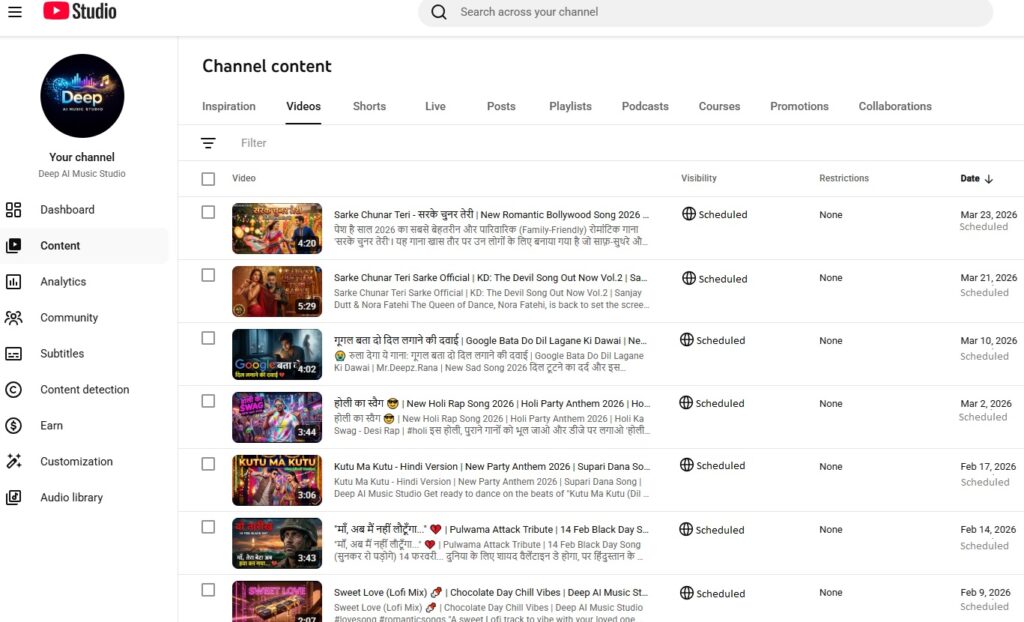
- Friday: Edit all videos and schedule them out.
3. Standardize Your Branding & Assets
When you run multiple channels, you need to minimize decision fatigue. Create strict brand guidelines for each channel so you don’t waste time designing from scratch every time.
- Color Coding: Give each channel a distinct color palette. For example, use deep oranges and reds for your devotional channel, and bright, vibrant primary colors for your kids’ shorts channel.
- Canva Templates: Create 3-4 master thumbnail templates for each channel. When a new video is ready, simply swap out the background image and update the text.
4. Master the Chrome Profile Switch
Logging in and out of different Google accounts multiple times a day is frustrating and leads to uploading videos to the wrong channel (we have all been there!).
Set up dedicated Google Chrome Profiles for each channel. Keep the specific channel’s YouTube Studio, corresponding Canva account, and analytics tools logged in on that specific browser profile. It creates a physical boundary between your different “creator hats.”
5. Repurpose with Purpose
Running multiple channels means you need a lot of content. Work smarter by repurposing what you already have.
- Did you record a 10-minute vlog about your music recording process? Cut it down into 3 separate YouTube Shorts.
- Did you do a long livestream chanting mantras? Clip the best 60 seconds and schedule it as a Short on your devotional channel.
Final Thoughts: Running multiple channels is not about working 24/7; it is about building systems. Treat yourself like a network producer. Focus on consistency, rely on scheduling tools, and remember that it is okay if one channel grows faster than the others.